Boost Your Gaming Experience with the Right Internet Router Configuration
If you're a gamer, you know how frustrating it can be to experience lag, dropped connections, and poor performance. But did you know that optimizing your internet router configuration can make a huge difference in your gaming experience? In this article, we'll show you how to optimize your router settings for gaming, so you can take your gaming to the next level.
Understanding Your Internet Router Configuration
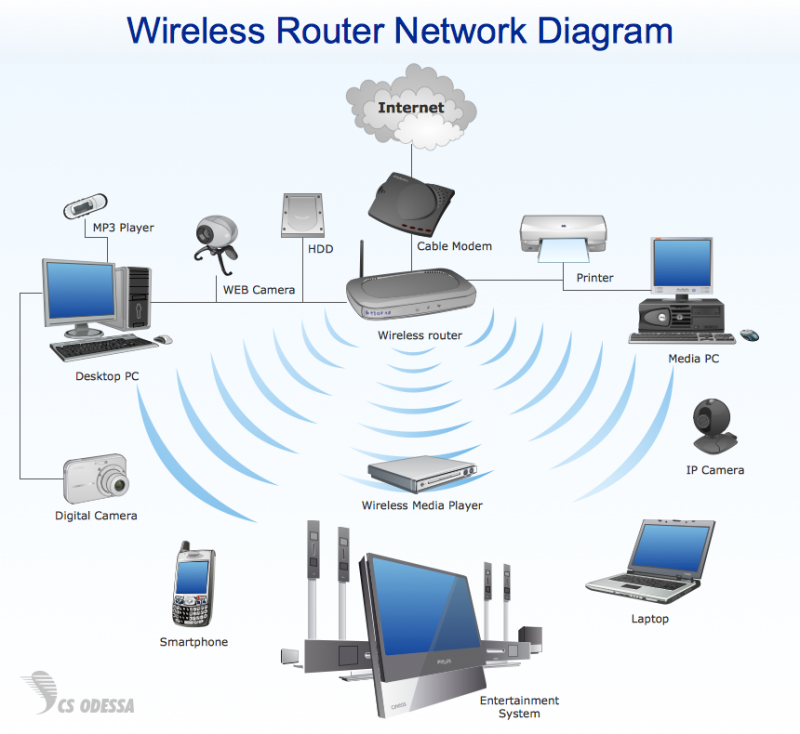
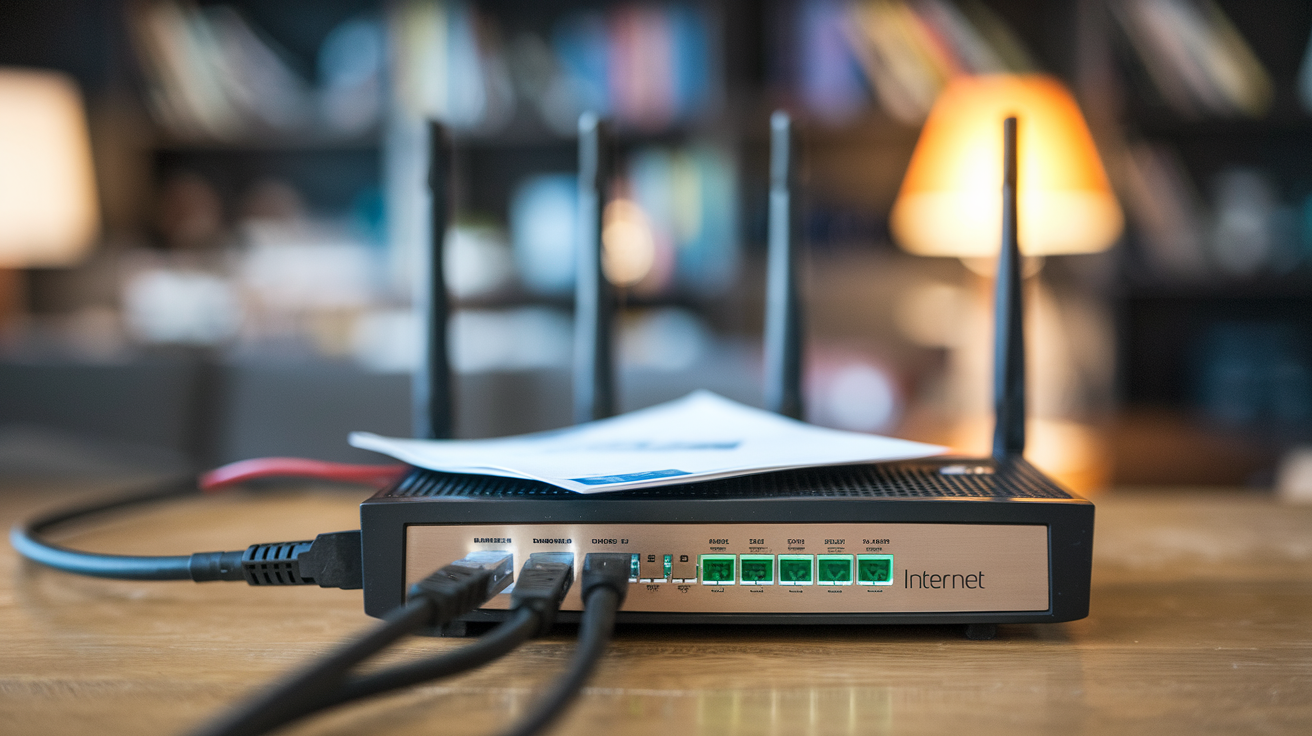
Your internet router is the brain of your home network, and it plays a crucial role in determining your internet speed and quality. When it comes to gaming, you want to make sure your router is configured to prioritize gaming traffic and minimize latency. In this article, we'll cover the essential settings you need to know to optimize your router configuration for gaming.
The Importance of Quality of Service (QoS)
Quality of Service (QoS) is a feature that allows you to prioritize certain types of traffic over others. For gaming, you want to prioritize your gaming traffic to ensure that your online gaming experience is smooth and lag-free. QoS is a must-have feature for any gamer, and it's relatively easy to set up on most routers.
Setting Up QoS on Your Router
Setting up QoS on your router involves several steps:
Access your router's settings page by typing its IP address in a web browser.
Look for the QoS or Traffic Control section and click on it.
Select the type of traffic you want to prioritize (e.g., gaming traffic).
Set the priority level for your gaming traffic (e.g., high priority).
Save your changes and reboot your router.

Other Essential Router Settings for Gaming
In addition to QoS, there are several other essential router settings you should consider for gaming:
NAT Type: If you're playing online games, you'll want to set your NAT type to Open or Moderate. This will allow you to connect to online games more easily.
MTU Size: The MTU size determines the maximum amount of data that can be transmitted at one time. For gaming, you'll want to set the MTU size to 1500 or lower.
Wired vs. Wireless Connection: For gaming, a wired connection is always better than a wireless connection. If possible, use an Ethernet cable to connect your gaming device to your router.
Router Firmware: Make sure your router firmware is up-to-date, as newer firmware versions often include features and improvements that can enhance your gaming experience.
Upgrading Your Router for Gaming
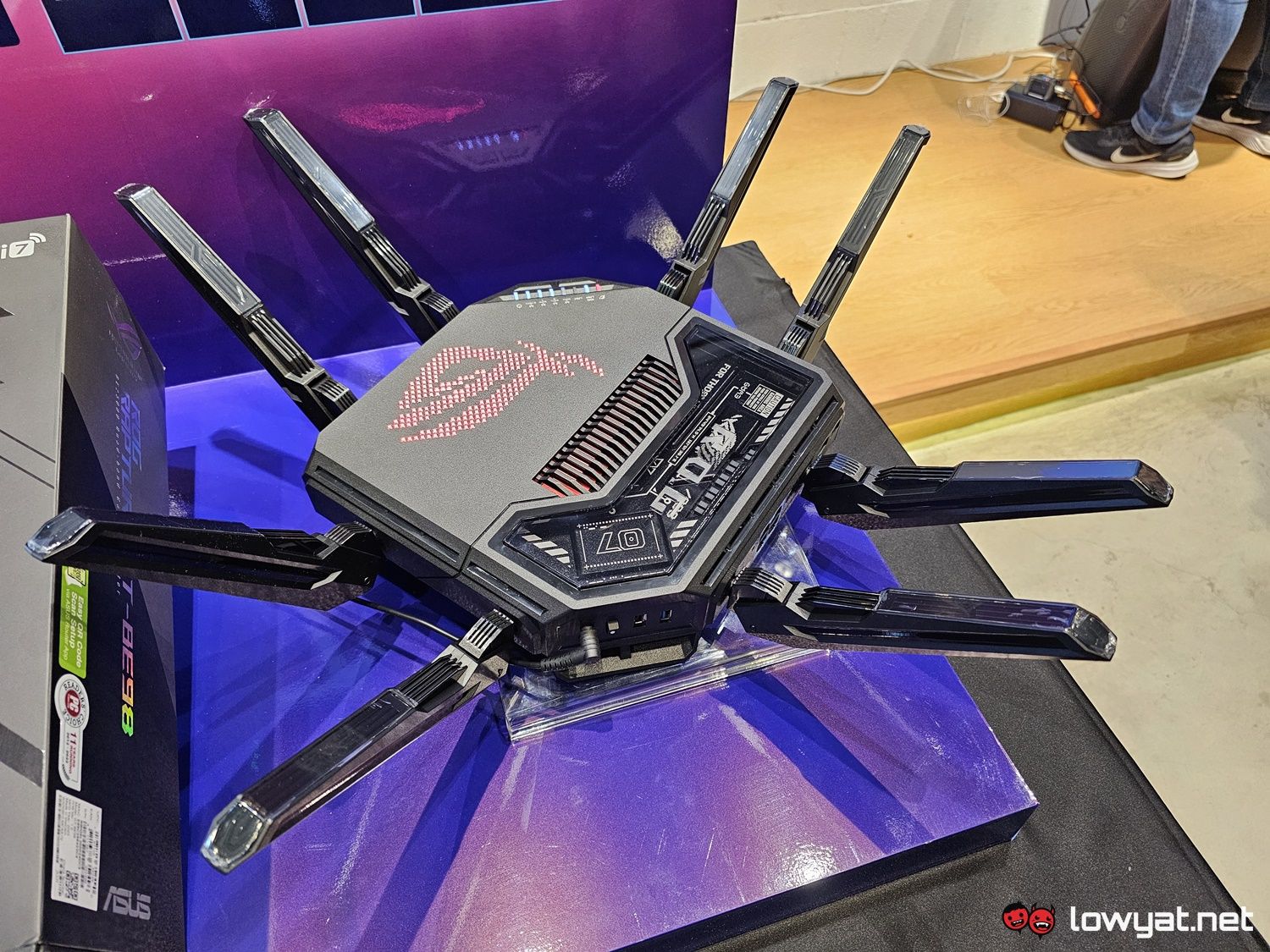
If you're experiencing frequent lag, dropped connections, or poor performance, it may be time to upgrade your router. When choosing a new router for gaming, look for one that has the following features:
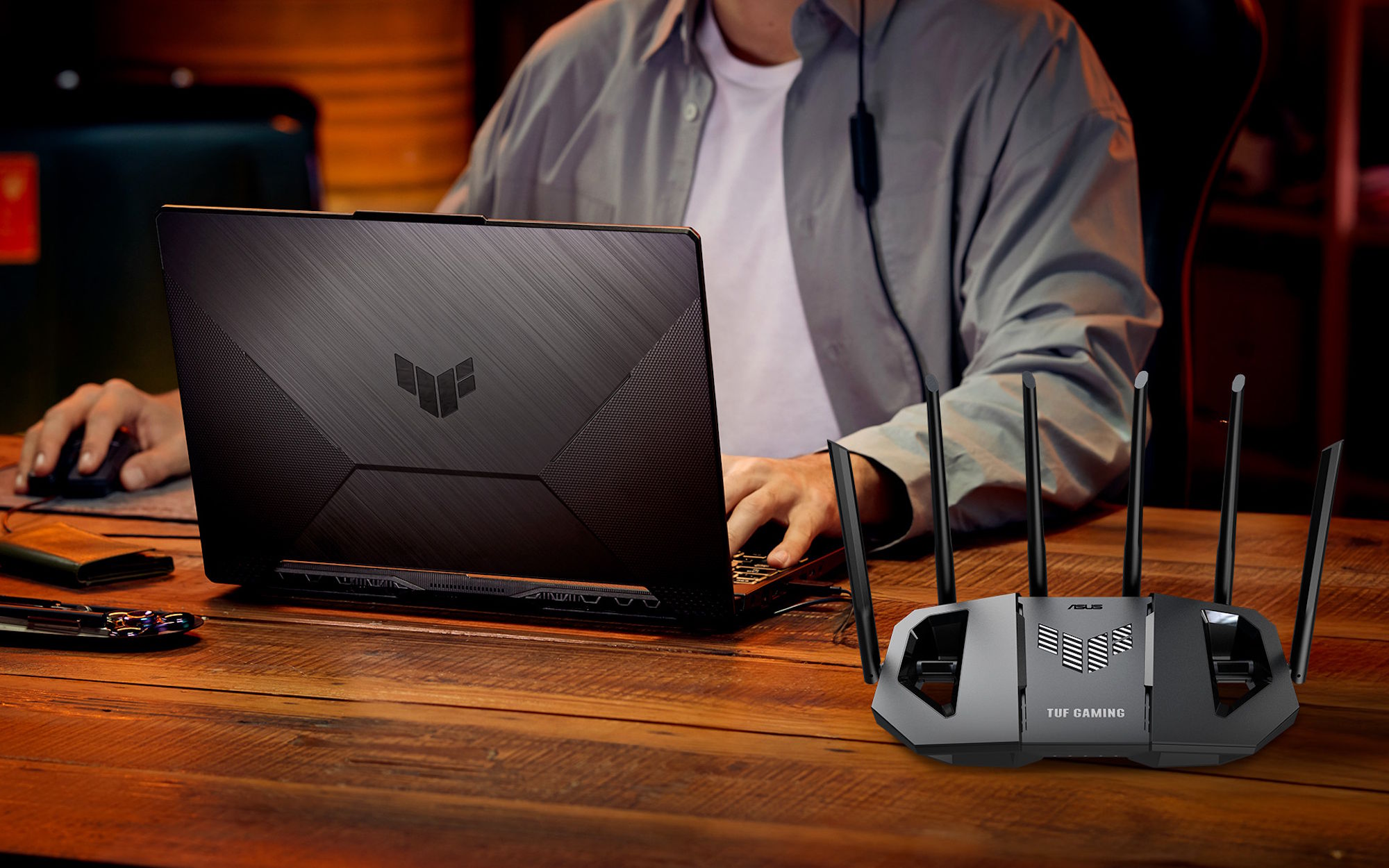
High-Gaming Performance: Look for a router that's specifically designed for gaming and has a high gaming performance rating.
Multi-Gigabit Ethernet Ports: A router with multiple gigabit Ethernet ports can provide faster speeds and more reliable connections.
Advanced QoS Features: A router with advanced QoS features can help prioritize gaming traffic and minimize latency.
Conclusion
Optimizing your internet router configuration is a crucial step in achieving a smooth and lag-free gaming experience. By setting up QoS, adjusting your NAT type, and upgrading your router, you can take your gaming to the next level. Remember, a good internet connection is vital for gaming, and the right router configuration can make all the difference. Happy gaming!


![[Wireless Router] How do I enter my ASUS router's setting page using ...](https://i.ytimg.com/vi/WYVVVZQCPvg/maxresdefault.jpg "[Wireless Router] How do I enter my ASUS router's setting page using ...")