Compact Podcast Setup for Beginners: A Comprehensive Guide
Starting a podcast can be an exciting venture, but it can also be overwhelming, especially when it comes to setting up the necessary equipment. As a beginner, it's essential to strike a balance between investing in quality gear and avoiding a setup that's too complicated or expensive. In this article, we'll explore the best compact podcast setup for beginners, covering the essential equipment, workflow strategies, costs, free hosting, and budget-friendly gear recommendations.Why a Compact Podcast Setup is Essential for Beginners
As a beginner, you may not need a studio full of expensive equipment to create a high-quality podcast. In fact, you can get by with as little as a microphone, headphones, and a laptop. A compact setup is ideal for beginners because it allows for: * Ease of use: A compact setup is easier to set up and use, reducing the learning curve and minimizing technical headaches. * Portability: Compact equipment is lightweight and easy to transport, making it perfect for recording on the go. * Affordability: Compact equipment is often more affordable, allowing you to start podcasting without breaking the bank.Essential Equipment for a Compact Podcast Setup
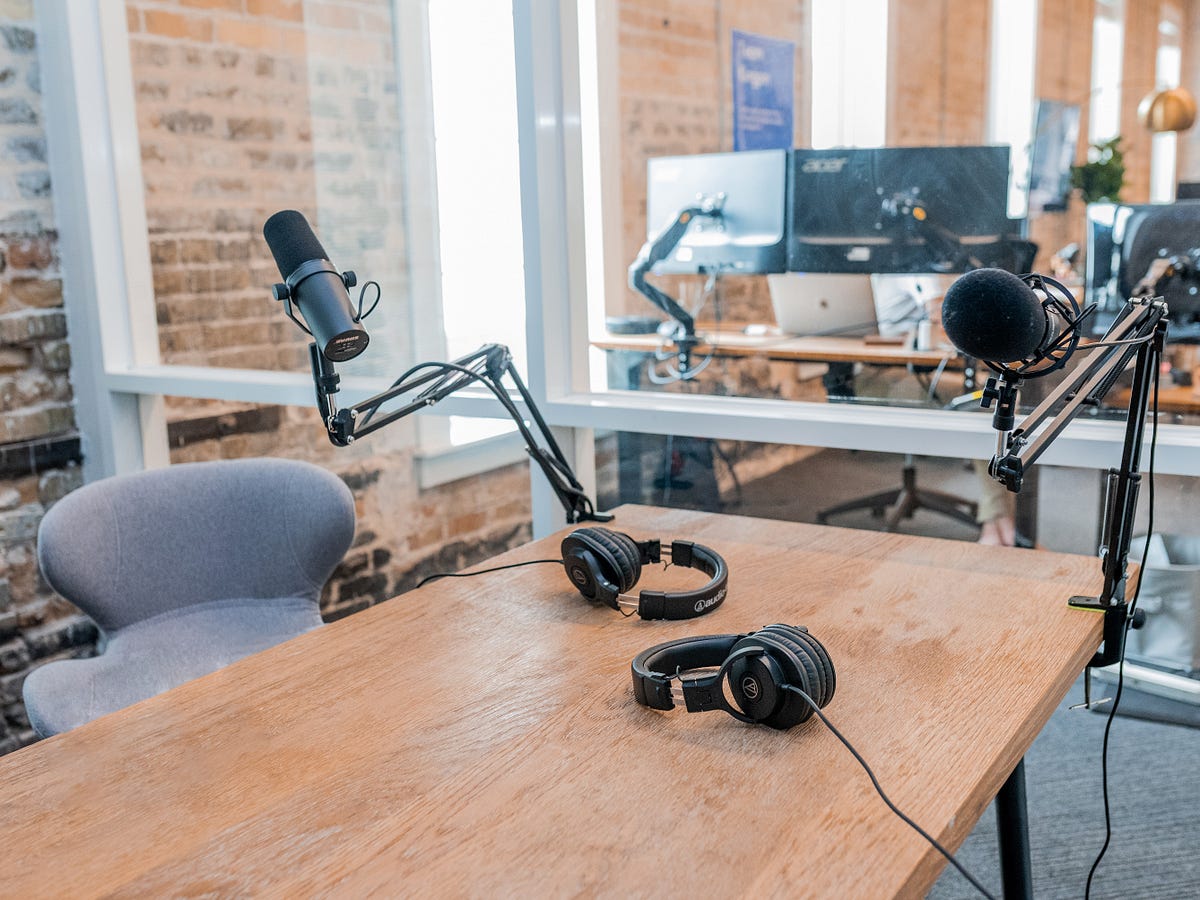
To create a high-quality podcast, you'll need the following essential equipment: *Microphone:
- USB microphones, such as the Blue Yeti or the RØDE NT-USB, offer excellent sound quality and plug directly into your laptop.
- Condenser microphones, like the RØDE NT1-A, are ideal for voice-overs and podcasting.
Headphones:
- Sennheiser HD280 PRO or Audio-Technica M40x are great options for monitoring your audio.
- Open-back headphones, such as the Sennheiser HD 4.50 BT, provide excellent sound isolation and comfort.
Software:
- Audacity or GarageBand are popular choices for podcast editing and recording software.
- Hindenburg Field Recorder is a professional-grade app for recording and editing audio on the go.
Free Podcast Hosting and Workflow Strategies
Once you have your equipment, you'll need to choose a hosting platform and workflow strategy. Here are some options: *Podcast Hosting:
- Anchor is a free podcast hosting platform with advanced features like hosting, distribution, and analytics.
- Buzzsprout offers a 14-day free trial, after which plans start at $12/month.
Workflow Strategy:
- Record your podcast in a quiet space with minimal background noise.
- Use a pop filter to reduce plosive sounds and improve audio quality.
Compact Podcast Start-up Costs and Budget-Friendly Gear Recommendations
Starting a podcast doesn't have to break the bank. Here are some budget-friendly options: *Compact Microphone:
- The RØDE Wireless GO is a wireless microphone perfect for small podcasting setups.
- The Blue Snowball Ice is a compact USB microphone for podcasting and voice-overs.
Headphones:
- The Sennheiser HD 380 PRO is a budget-friendly option for monitoring your audio.
- The Audio-Technica M20x is a great choice for podcasting and music production.
Software:
- Audacity is a free, open-source podcast editing software.
- GarageBand is a free digital audio workstation for Mac.