Mastering Trademark Search Parameters: A Comprehensive Guide
Conducting a trademark search is a crucial step in the process of registering a trademark. It ensures that your trademark is available for registration and does not conflict with existing trademarks. However, navigating the intricacies of trademark search parameters can be daunting, especially for businesses and entrepreneurs with limited experience in intellectual property law. In this article, we will delve into the world of trademark search parameters, exploring the key elements that make a trademark search effective.Understanding Trademark Search Parameters
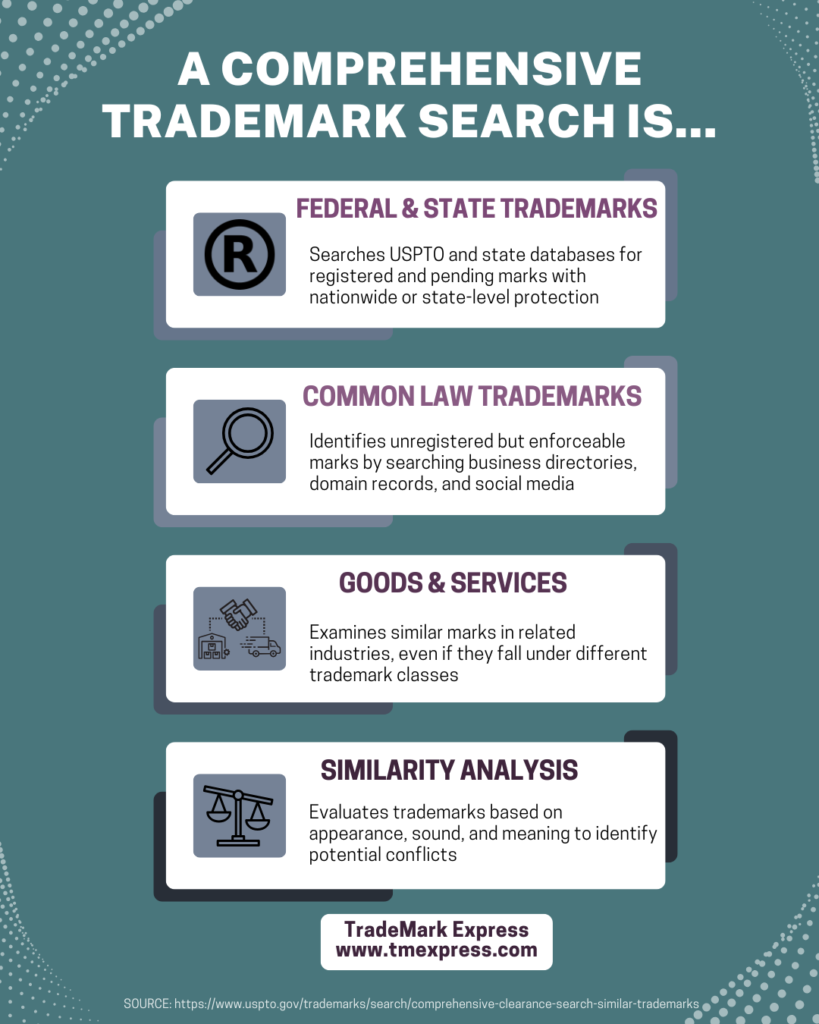
A trademark search examines various elements of a trademark, including the word mark, goods and services, serial numbers, registration numbers, owner name and address, and mark description. When performing a search, it is essential to use the correct parameters to ensure that your search is comprehensive and accurate.Defining Search Scope and Parameters
Defining search scope and parameters is vital to identifying potential conflicts and minimizing the risk of trademark infringement. This involves determining the specific goods and services to be searched, as well as the type of search to be conducted. The search scope can be narrowed down by using specific keywords, names, numbers, and image similarity.Using Field Tags in Trademark Searches
Field tags are abbreviations used to indicate a desired field in a trademark search. They allow users to search specific databases and retrieve relevant information quickly. Common field tags include:- GS: Goods and Services
- CM: Word Mark
- SR: Serial Number
- RN: Registration Number
Utilizing Different Search Options
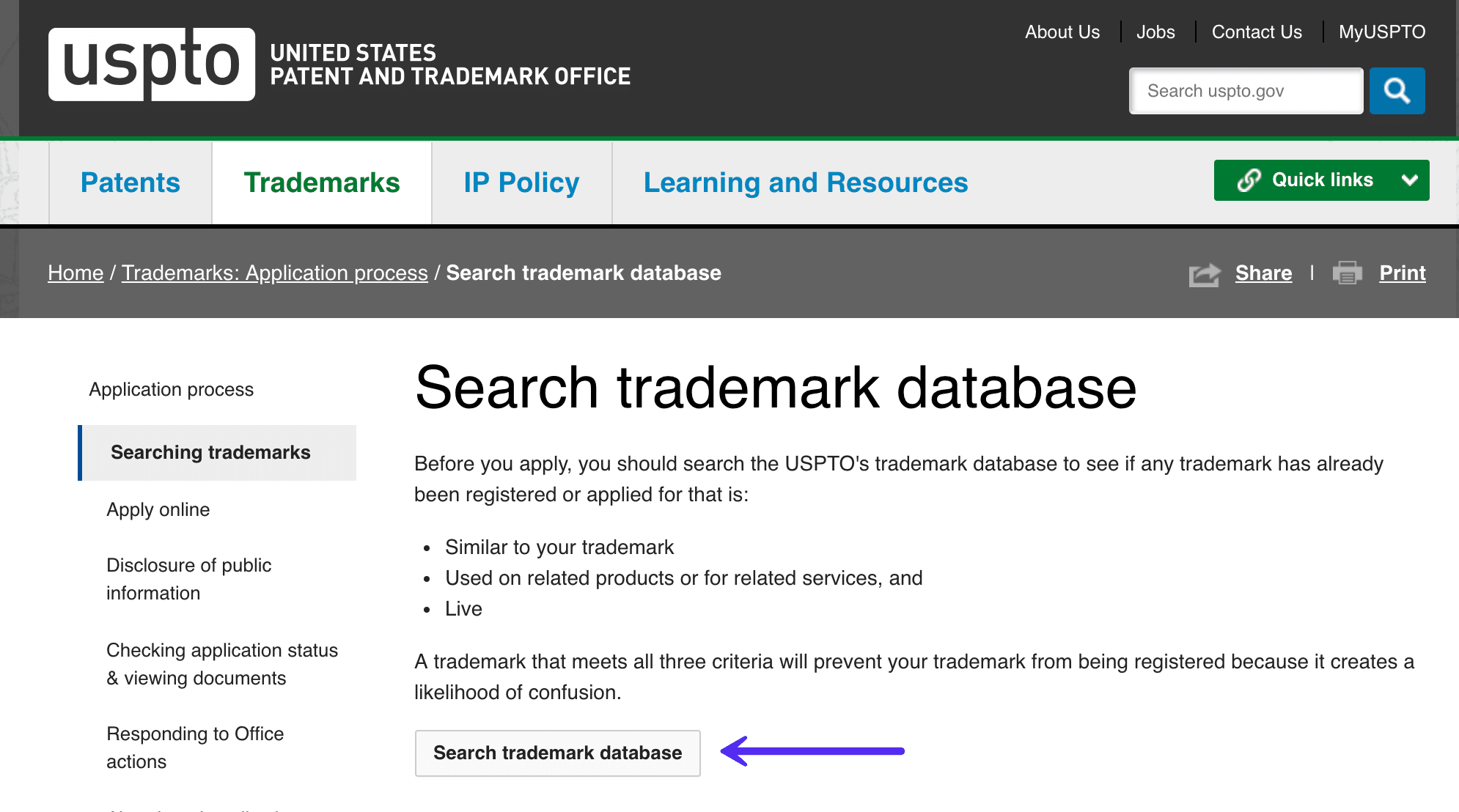
The USPTO's Trademark Electronic Search System (TESS) offers various search options, including Basic, Word Mark, Structured Form, and Free Form. Each search option has its own parameters and requirements, and users must choose the option that best suits their needs.Basic Search
The Basic search is the default search option in Basic mode and searches all fields, including word mark, goods and services, serial numbers, registration numbers, owner name and address, and mark description.Word Mark Search

Structured Form Search
The Structured Form search option allows users to search for trademarks using a specific format. This search is useful for conducting comprehensive searches and retrieving accurate results.Free Form Search
The Free Form search option provides users with the flexibility to enter search terms and parameters freely. This search is ideal for users who want to conduct a quick and easy search.Exporting Search History
When conducting multiple searches, it is essential to export the search history to track and analyze search results. Exporting search history also enables users to share their search results with others and recreate the search later.Conducting Effective Trademark Searches
Conducting effective trademark searches requires a combination of knowledge, experience, and the right search parameters. By using the correct search parameters and options, users can ensure that their searches are comprehensive and accurate, reducing the risk of trademark infringement and protecting their trademark rights.Conclusion
Mastering trademark search parameters is crucial for businesses and entrepreneurs seeking to register a trademark. By understanding the various search options and parameters, users can conduct effective searches and ensure that their trademarks are protected. This article has provided a comprehensive guide to trademark search parameters, highlighting the key elements that make a trademark search effective.Additional Resources:
For further information on trademark search parameters and conducting effective trademark searches, consult the following resources:- USPTO's Trademark Electronic Search System (TESS)
- WIPO Global Brand Database
- Trademark Next Generation ID Manual (TMNG-IDM)
- MarkSimpl's Trademark Watch and Status Updates