Setting Up a Wireless Router for a Smart Home: A Comprehensive Guide
Transforming your home into a smart oasis requires a seamless and secure Wi-Fi network. By understanding your network needs, choosing the right equipment, and following the steps outlined in this guide, you can create a wireless router setup that enhances convenience, security, and efficiency in your everyday life.
Understanding Your Network Needs
Before setting up your wireless router, it's essential to understand your network needs. Consider the number of devices you need to connect, the size of your home, and the type of devices you'll be using. This will help you choose the right equipment and tailor your setup for optimal performance.
Choosing the Right Equipment
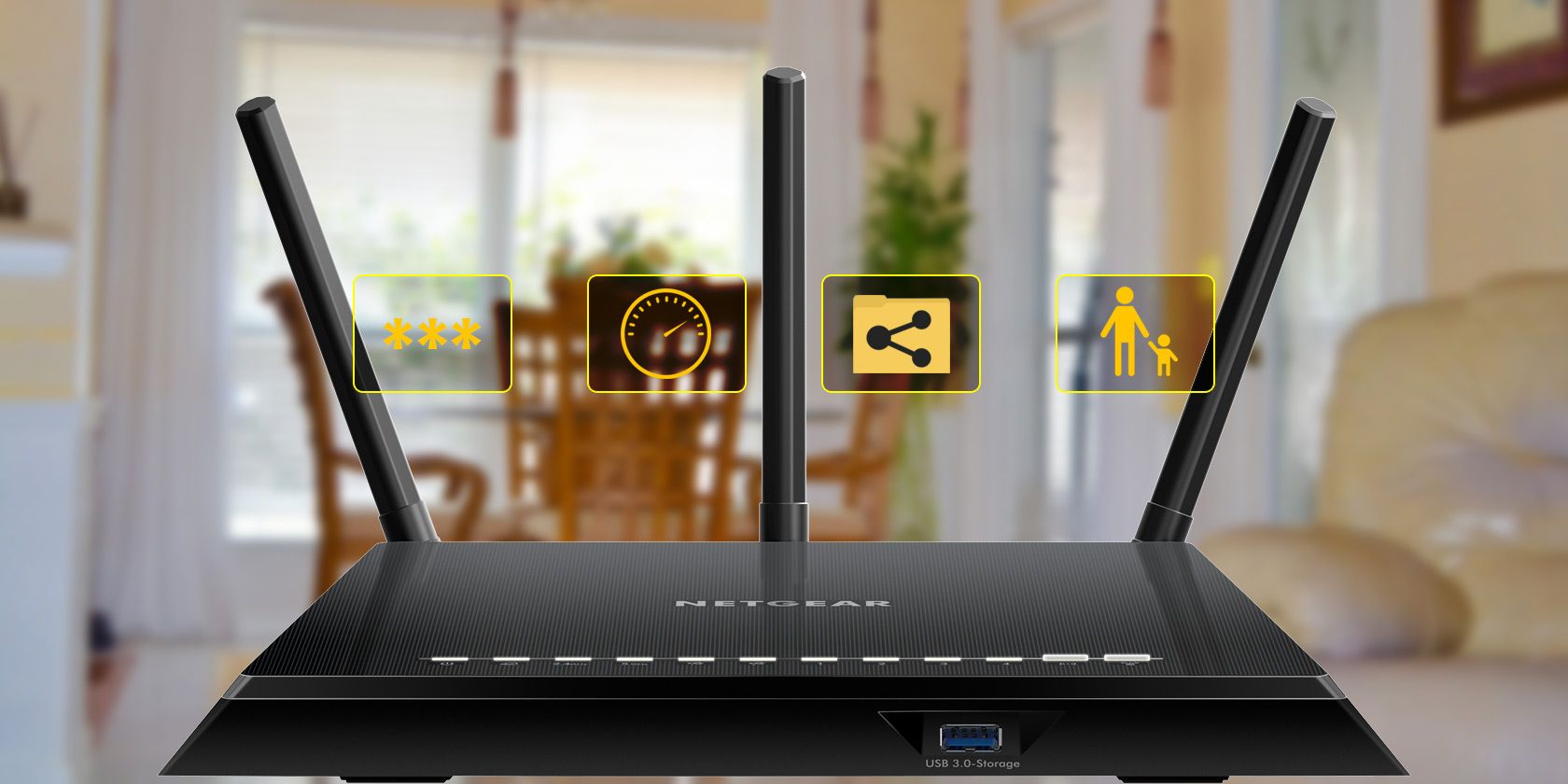
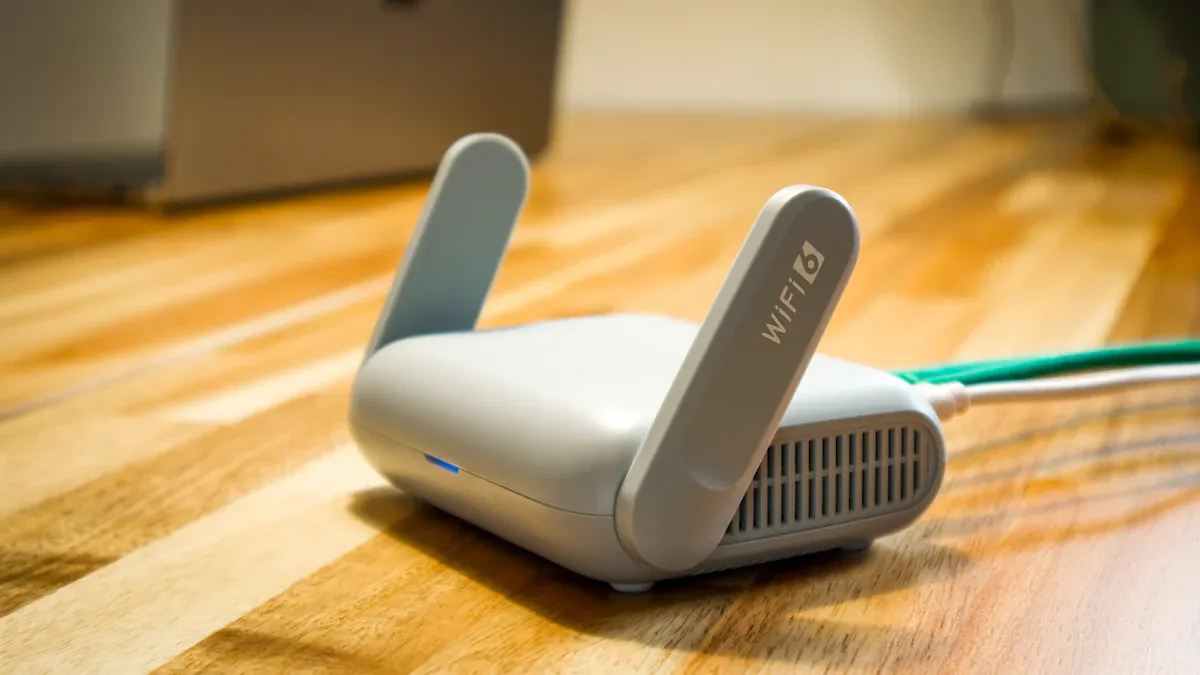
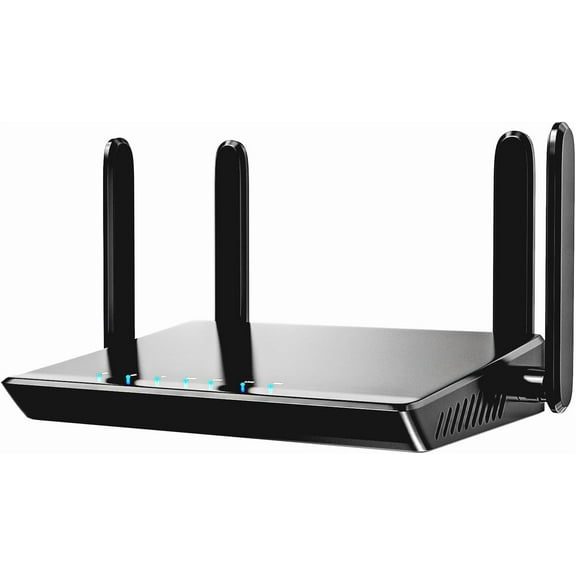
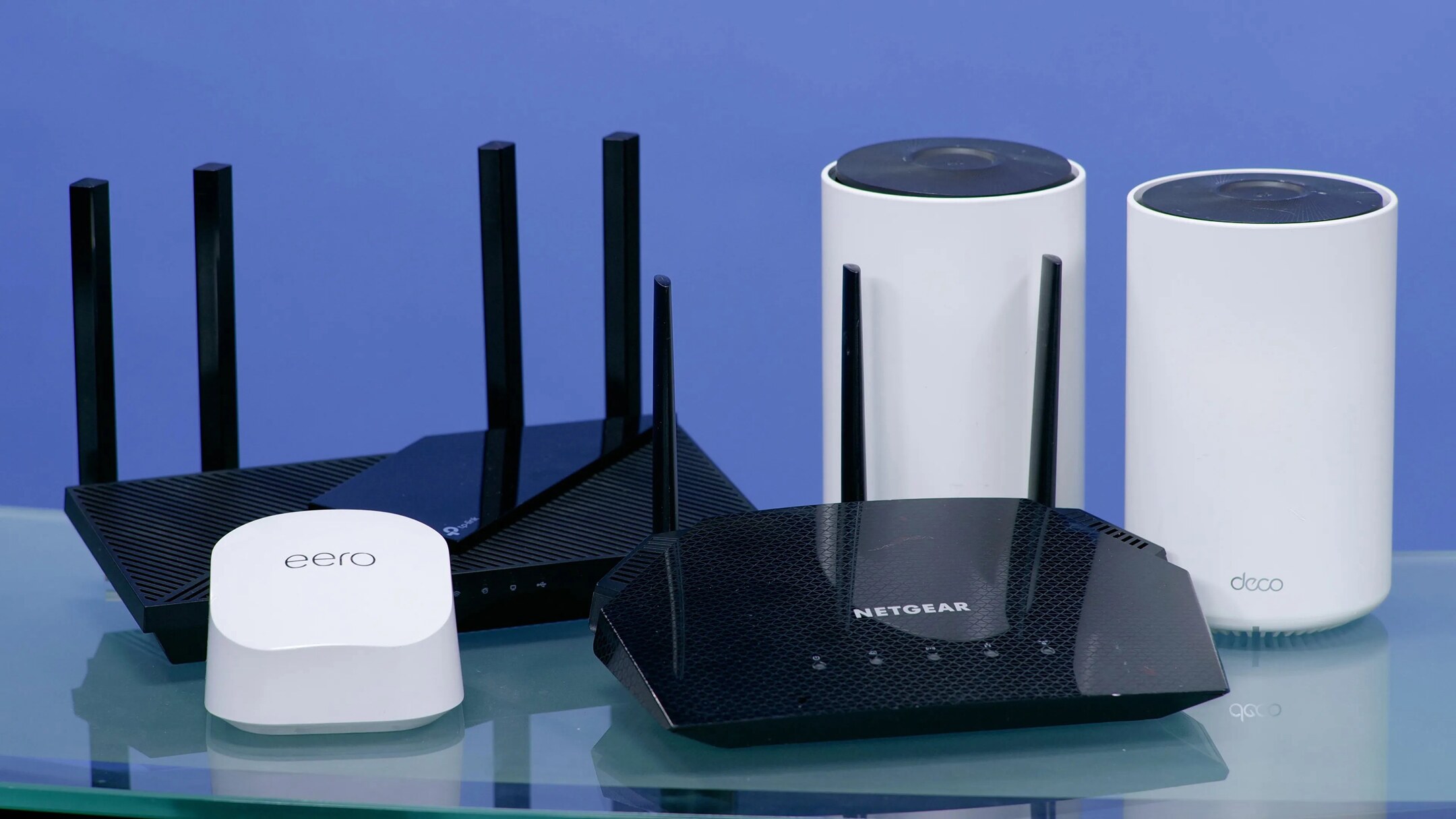
When selecting a wireless router, look for one that is specifically engineered for smart home devices. These routers are designed to handle the demands of a modern smart home ecosystem, including robust Wi-Fi coverage and advanced security features. Some popular options include:
- Mesh network systems that provide seamless coverage throughout your home
- Tri-band routers that deliver fast speeds and stable connections
- Smart routers with built-in parental control features
Setting Up Your Wireless Router
Setting up your wireless router is a straightforward process that can be completed in a few steps. Here's a step-by-step guide to help you get started:

- Connect your router to your modem using an Ethernet cable
- Launch your router's setup wizard and follow the on-screen instructions
- Configure your wireless network settings, including your Wi-Fi name and password
- Update your router's firmware for optimal performance
- Connect your devices to your wireless network
Securing Your Wireless Network
Securing your wireless network is crucial to prevent unauthorized access and protect your devices from cyber threats. Here are some tips to help you secure your wireless network:
- Use a strong and unique password for your Wi-Fi network
- Enable WPA2 encryption for secure connections
- Set up MAC address filtering to control access to your network
- Regularly update your router's firmware to patch security vulnerabilities
Optimizing Your Wireless Network
Optimizing your wireless network is essential to ensure seamless connectivity and optimal performance. Here are some tips to help you optimize your wireless network:
- Place your router in a central location for optimal coverage
- Use quality of service (QoS) settings to prioritize critical applications
- Regularly update your router's firmware to optimize performance
- Use a Wi-Fi analyzer app to optimize your router's channel settings
By following these steps and tips, you can create a seamless and secure wireless router setup for your smart home. With the right equipment and setup, you can enjoy the convenience, security, and efficiency that comes with a smart home ecosystem.